App Tour
Launching the App
Once you install the ServiceNow App, you"ll find the new Bolt Data Connect App Modules in the ServiceNow All Menu.
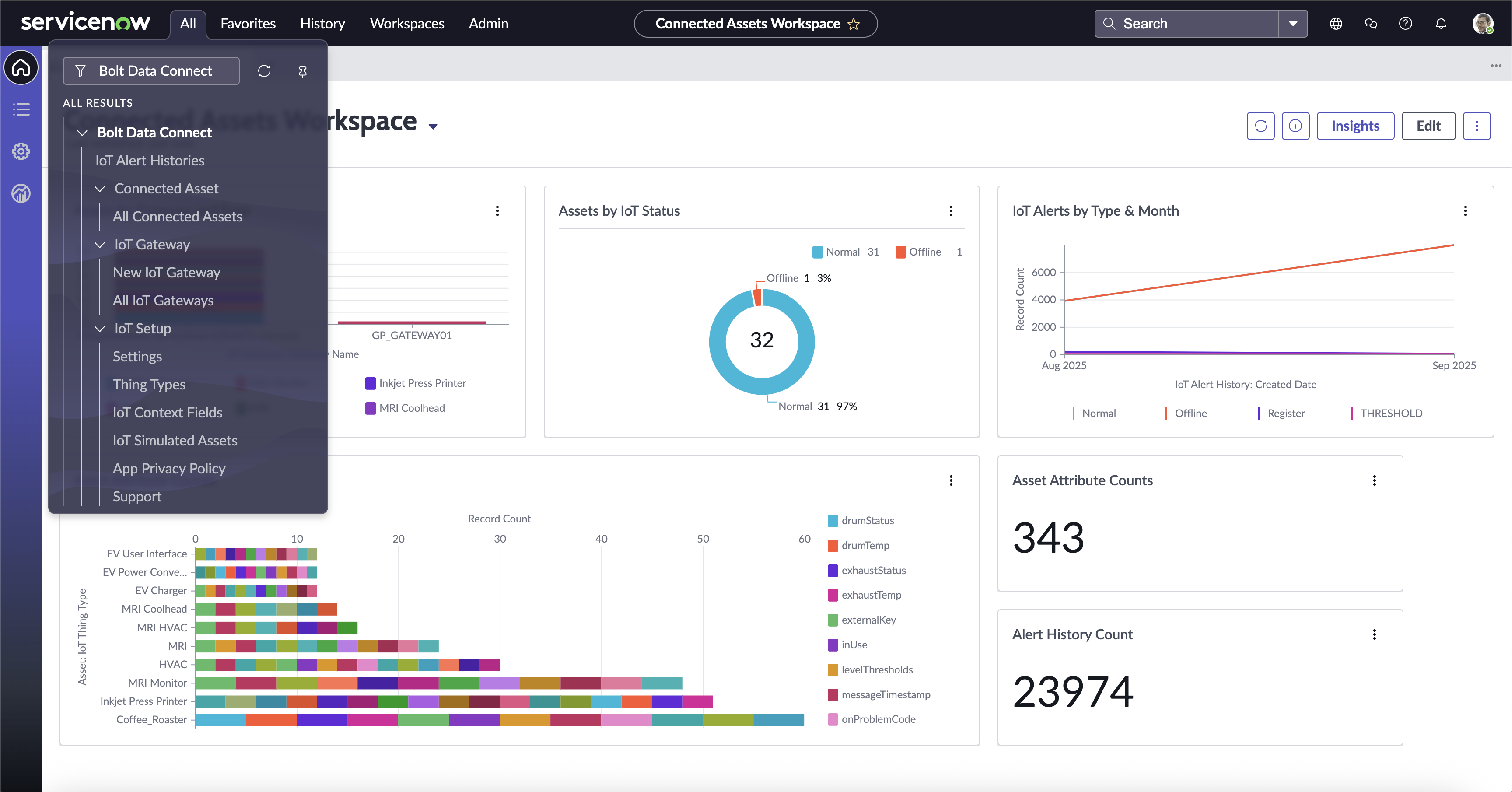
App Modules
Connected Assets Workspace
The Connected Assets Workspace is a ServiceNow Now Experience Workspace. The home page displays a Dashboard containing Visualizations which gives you a view of all of your “Things” connected to Bolt Data Connect and the Thing Types, Status, Alert History and Sensor Data available in Salesforce.
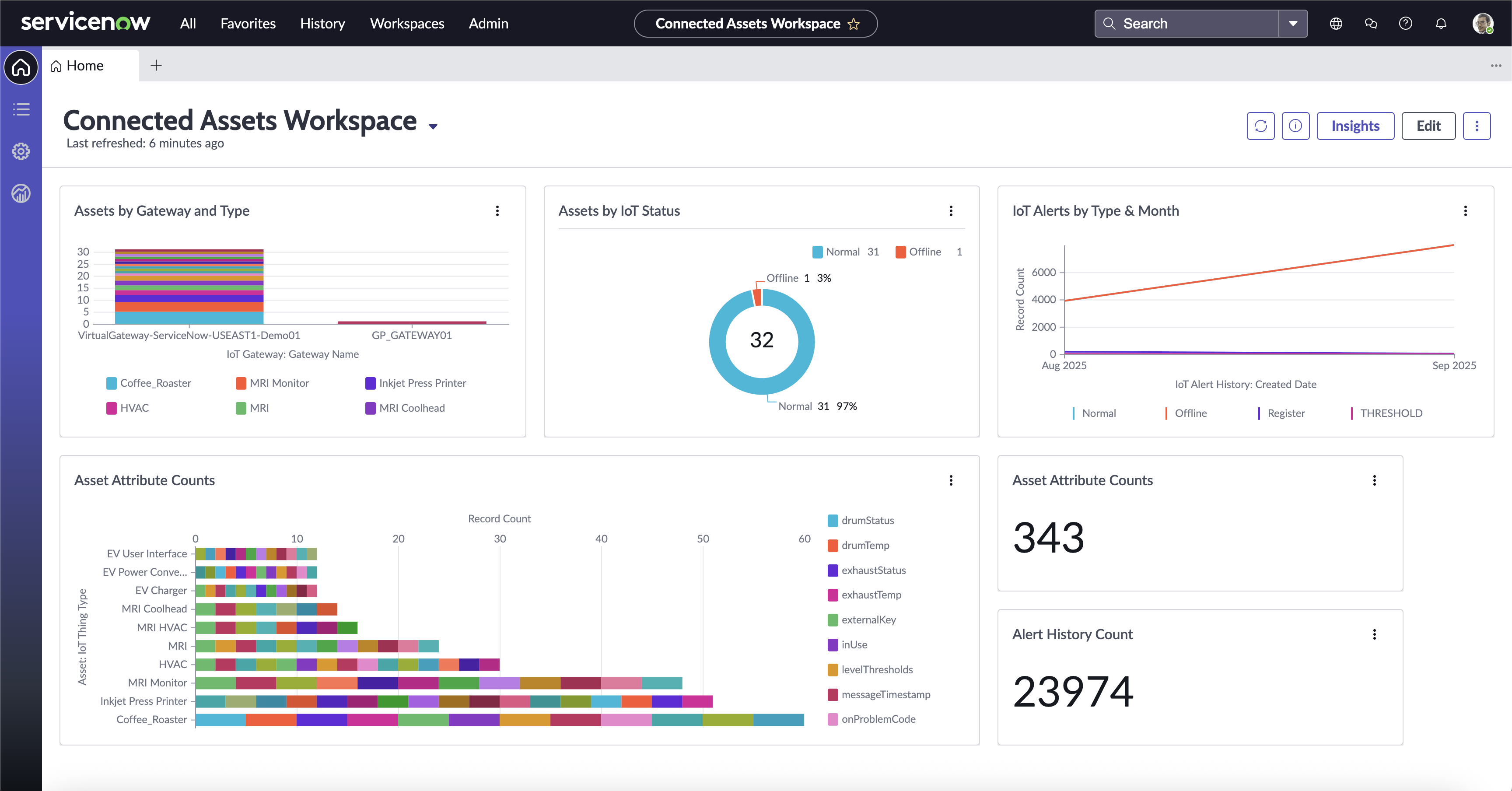
IoT Dashboard
IoT Console
The IoT Console is the centralized dashboard for viewing all Connected Assets within an Instance.
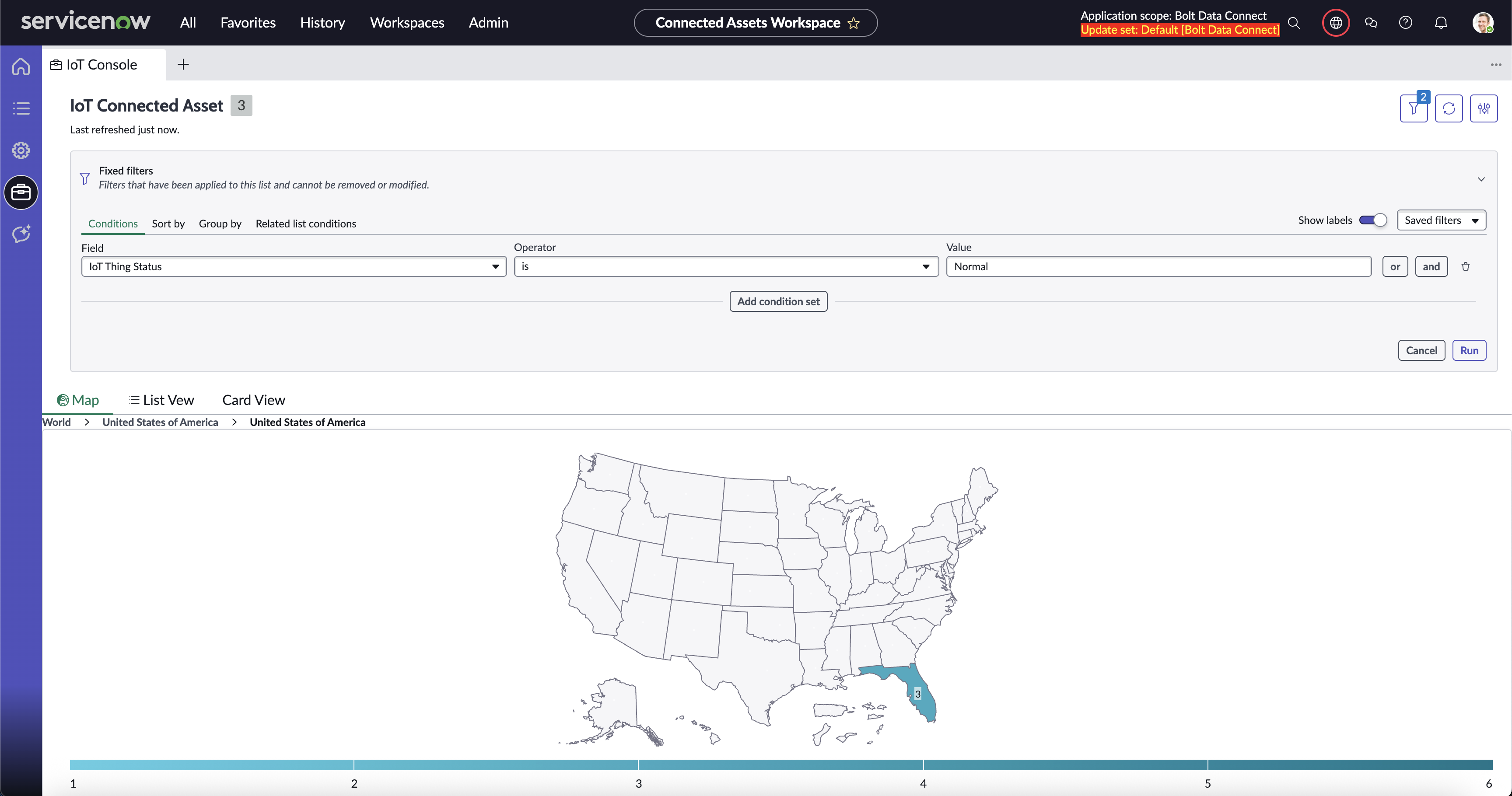
IoT Console Map
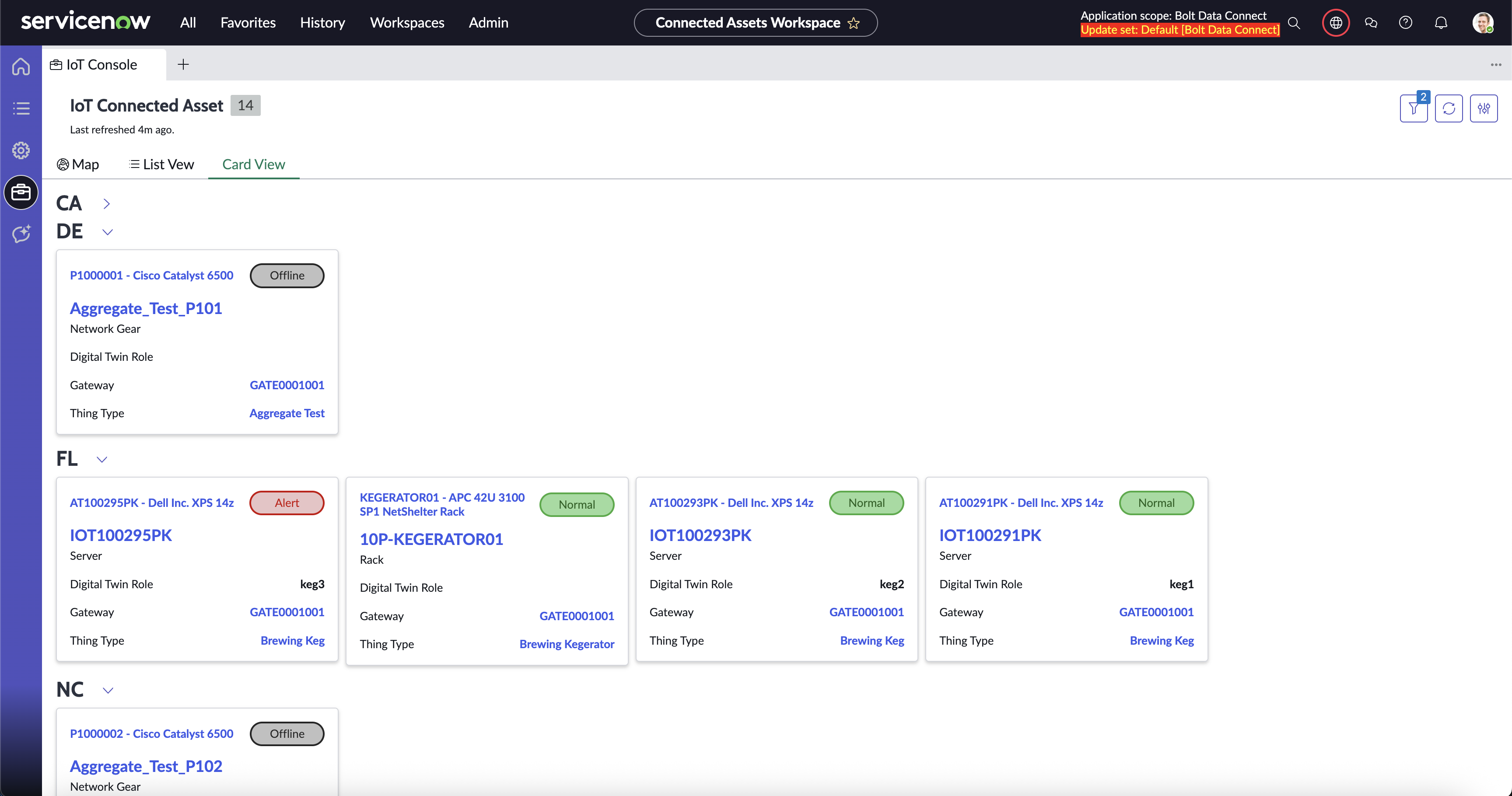
IoT Console Cards
IoT Setup
For your ServiceNow Instance Admins, the Bolt Data Connect App provides an IoT Setup Module to configure how the IoT Cloud integrates with your ServiceNow Instance. Here you can completely control the behavior of the Cloud and Edge Processing, as well as the ServiceNow automation and integrations.
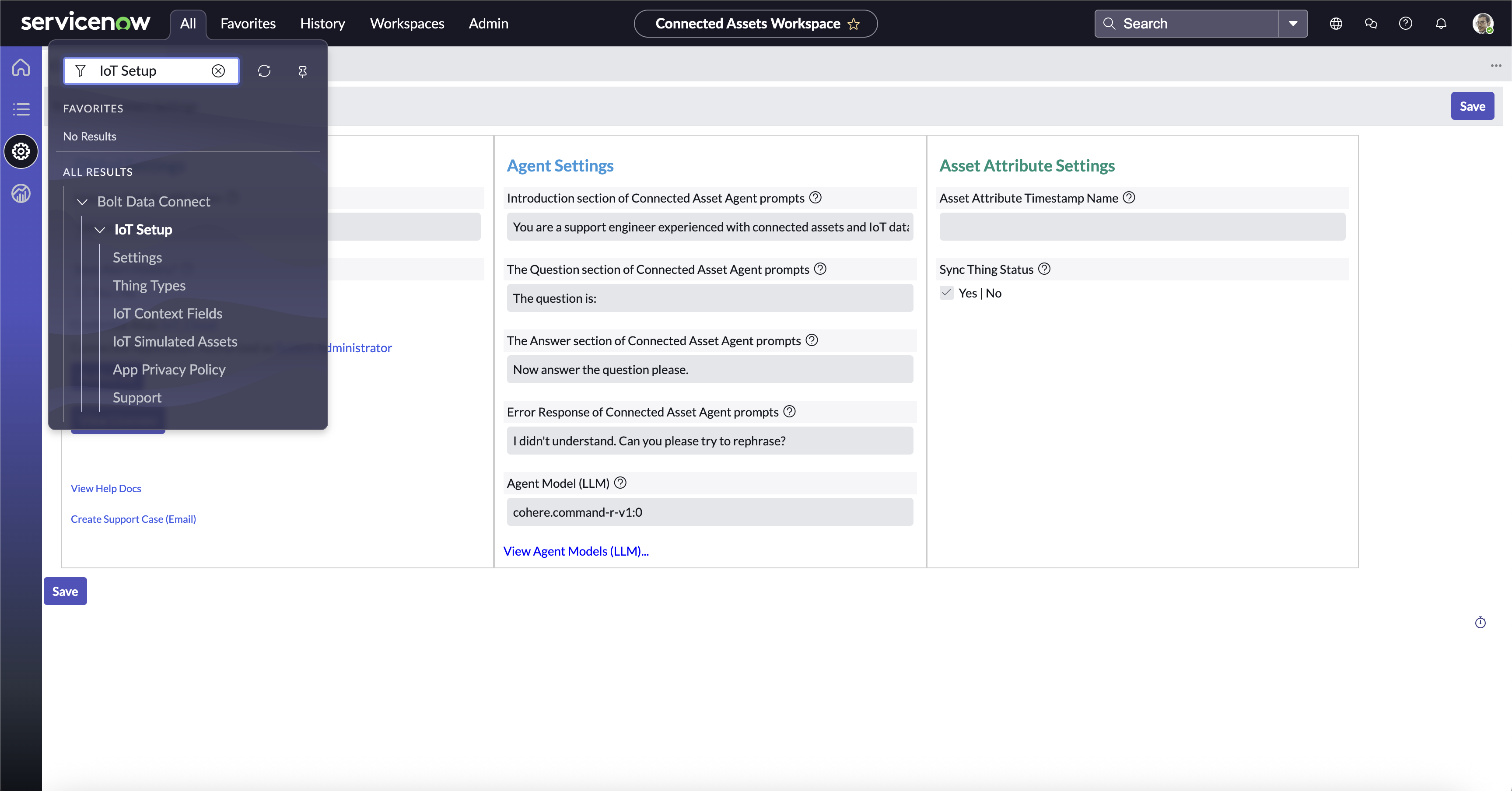
IoT Setup Module