ServiceNow Mobile Agent
We’ve built features from our ServiceNow Desktop Application into the ServiceNow Mobile Agent App.
Navigation
There are three navigation tabs in the Mobile Agent App. They are All Connected Assets, All Alert Histories,and All Asset Attributes. These tabs enable you to view their respecive lists in the Mobile App. Record Cards can be tapped to view more information about each record.
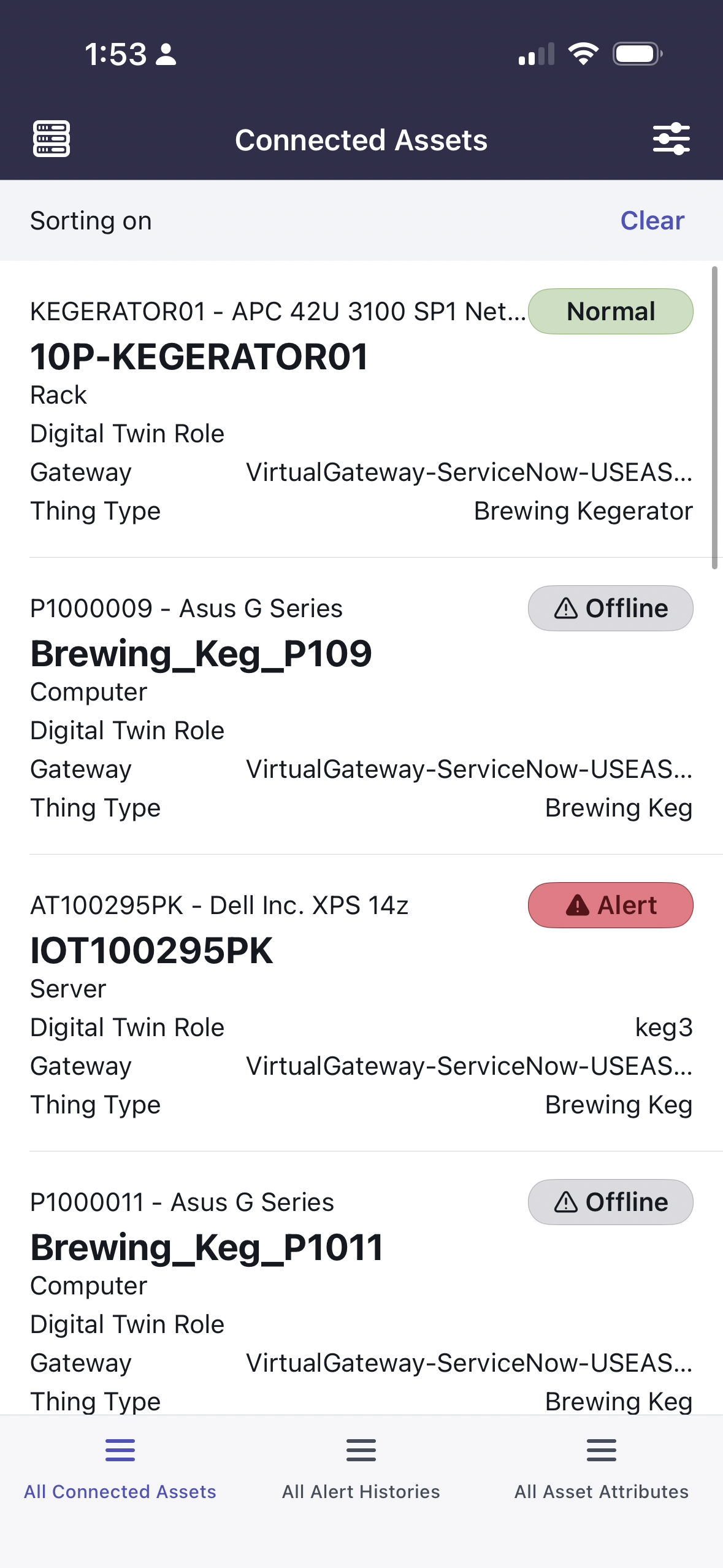
Mobile Agent All Connected Assets Tab
On the All Connected Assets tab, each record has two additional actions. You can swipe left and right on each record to display additional actions related to each record. Sliding Right reveals buttons to navigate to two related lists. These lists are the Alert Histories and the Asset Attributes for the record.
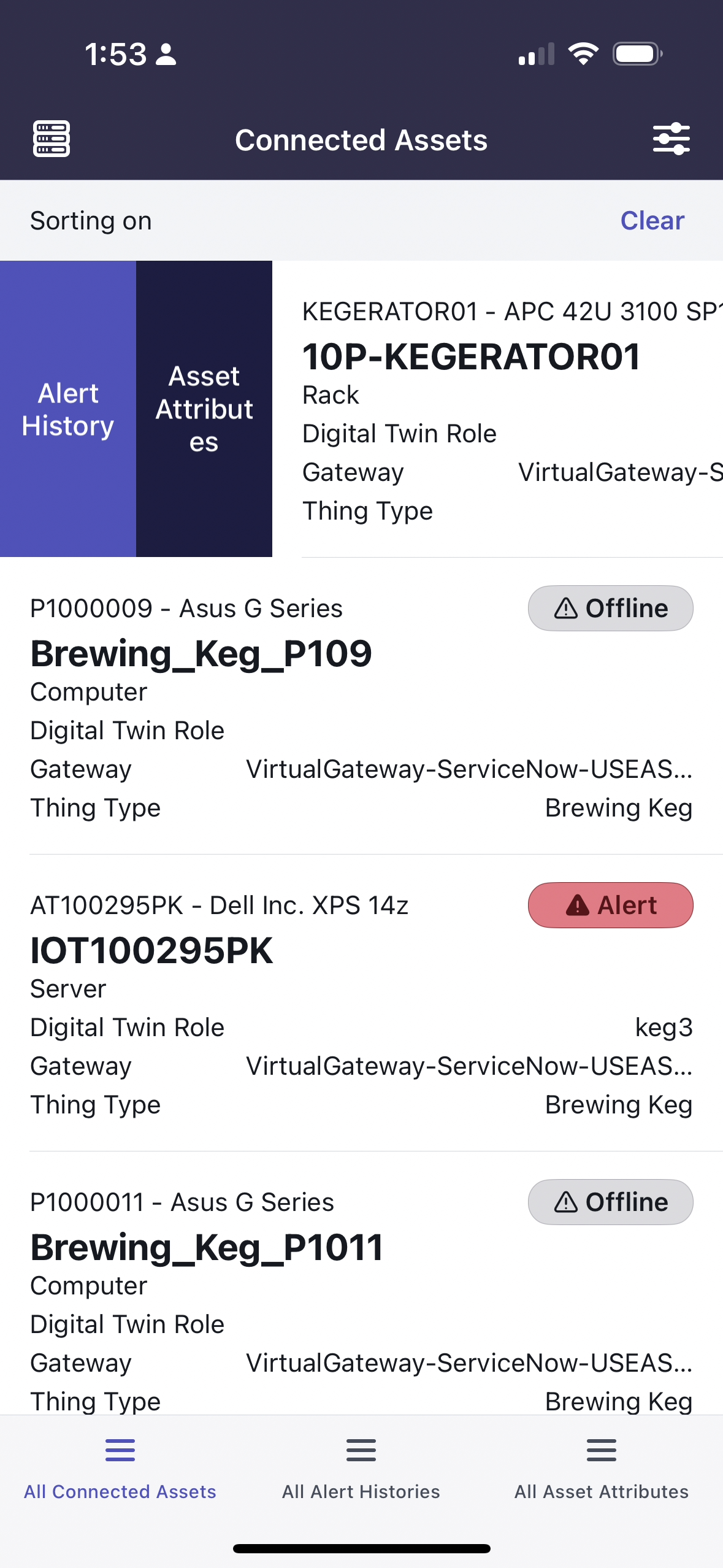
Sliding Right on Records
Sliding left reveals buttons to open the IoT Copilot chat, the Thing Chart, and the Digital Twin.
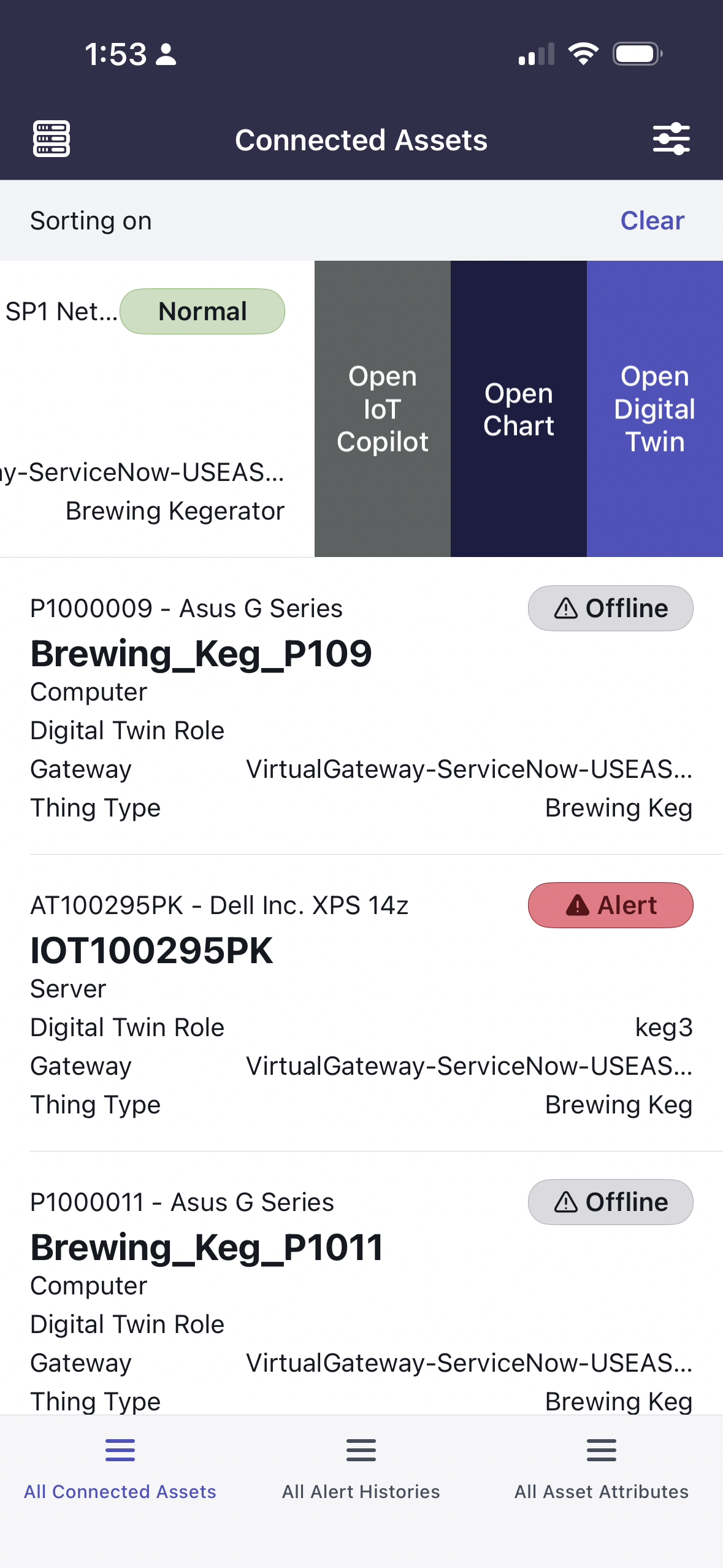
Sliding Left on Records
The following Mobile Components can do everything the Desktop variantes can do except for attaching chart or digital twin data to the IoT Copilot.
Mobile IoT Copilot
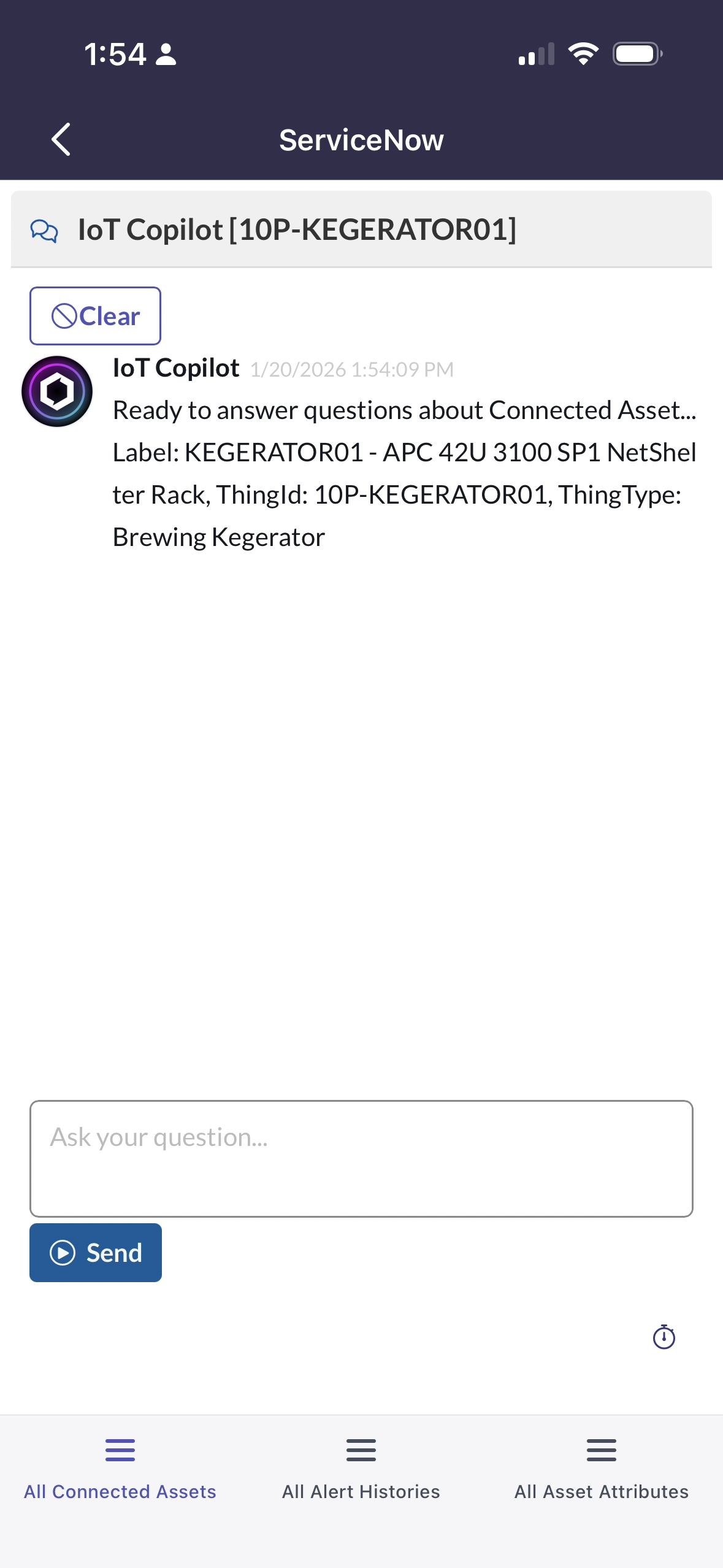
Movile IoT Copilot Display
Mobile Thing Chart
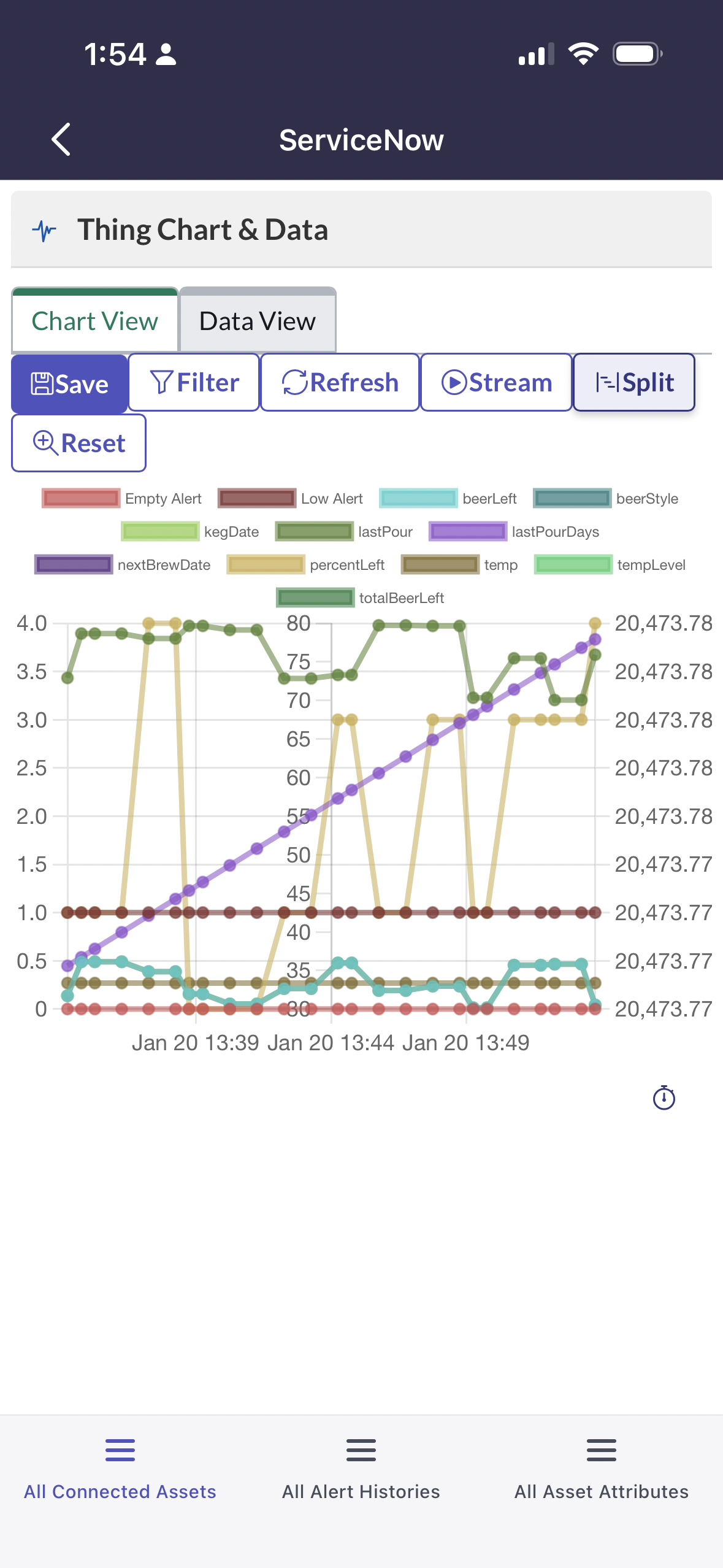
Mobile Thing Chart Display
Mobile Digital Twin
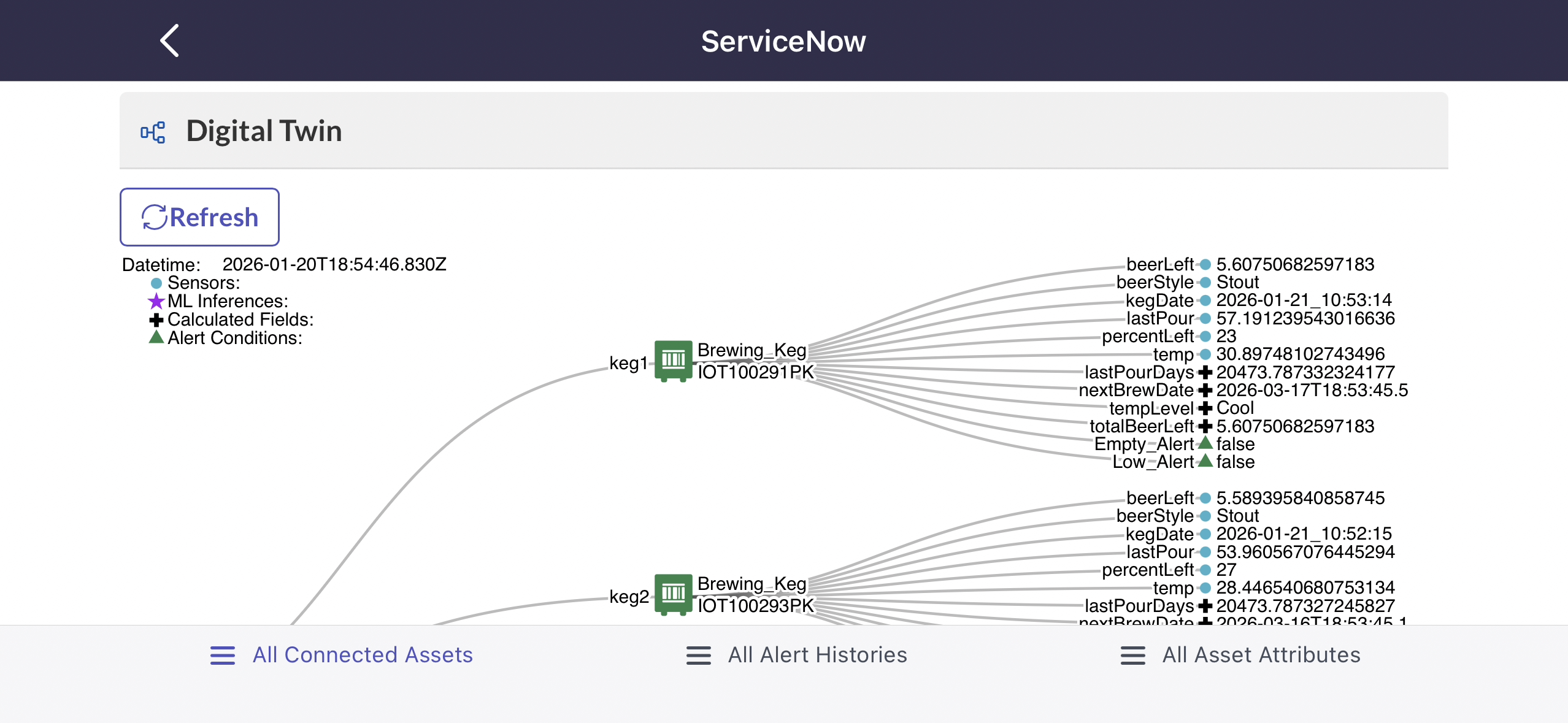
Mobile Digital Twin Display Part 1
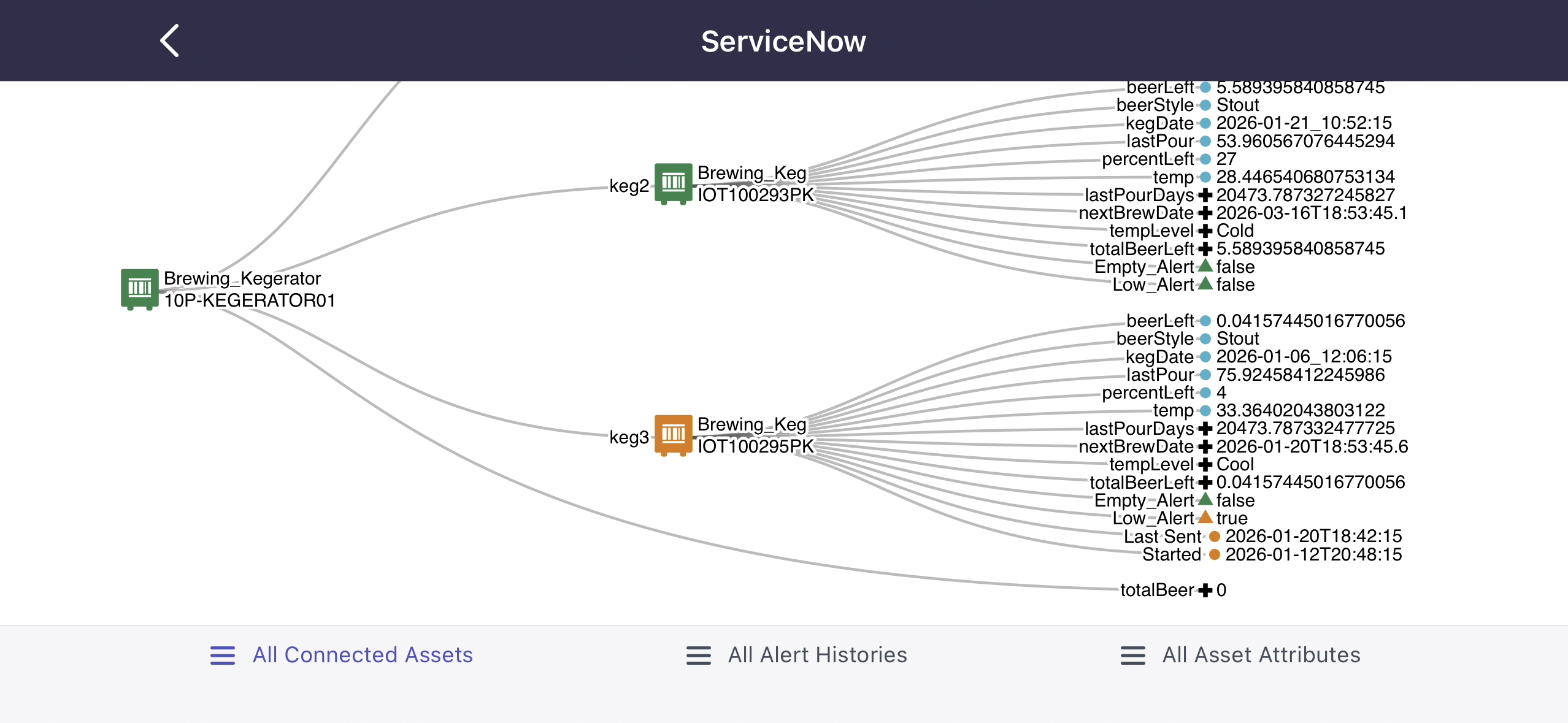
Mobile Digital Twin Display Part 2